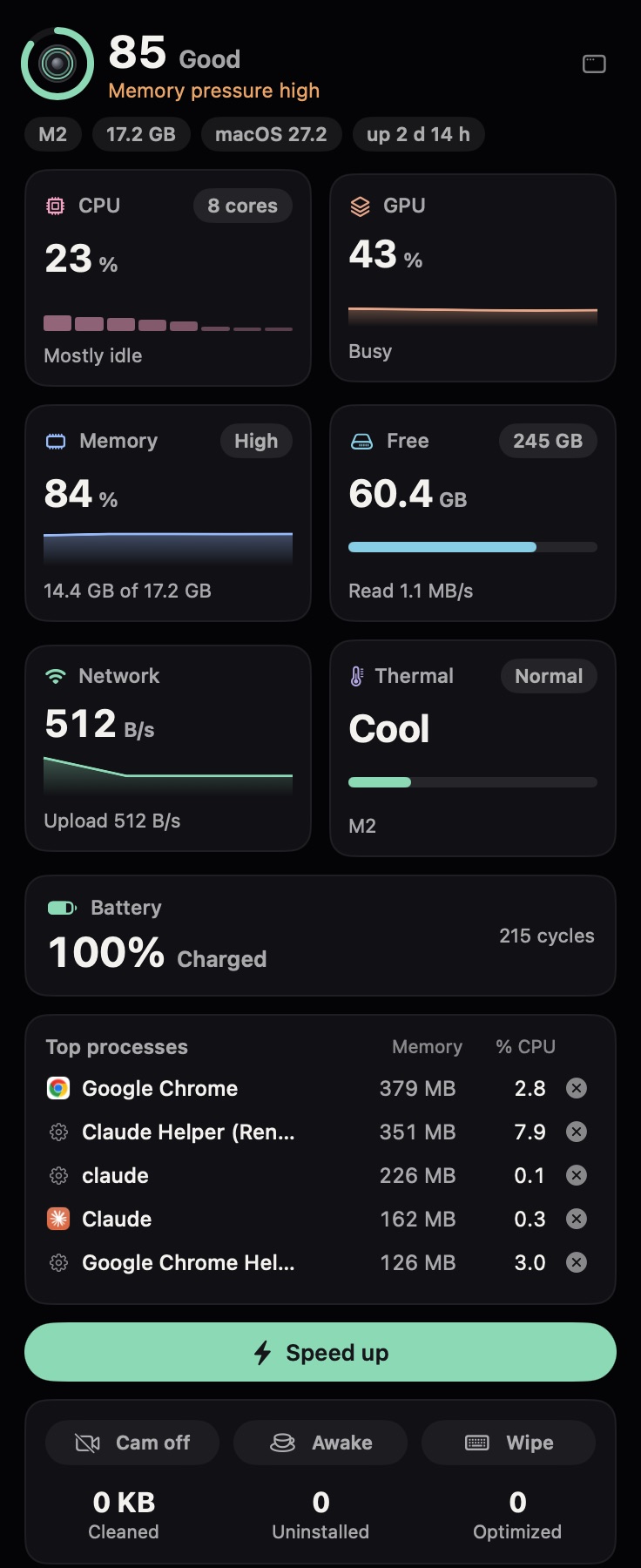
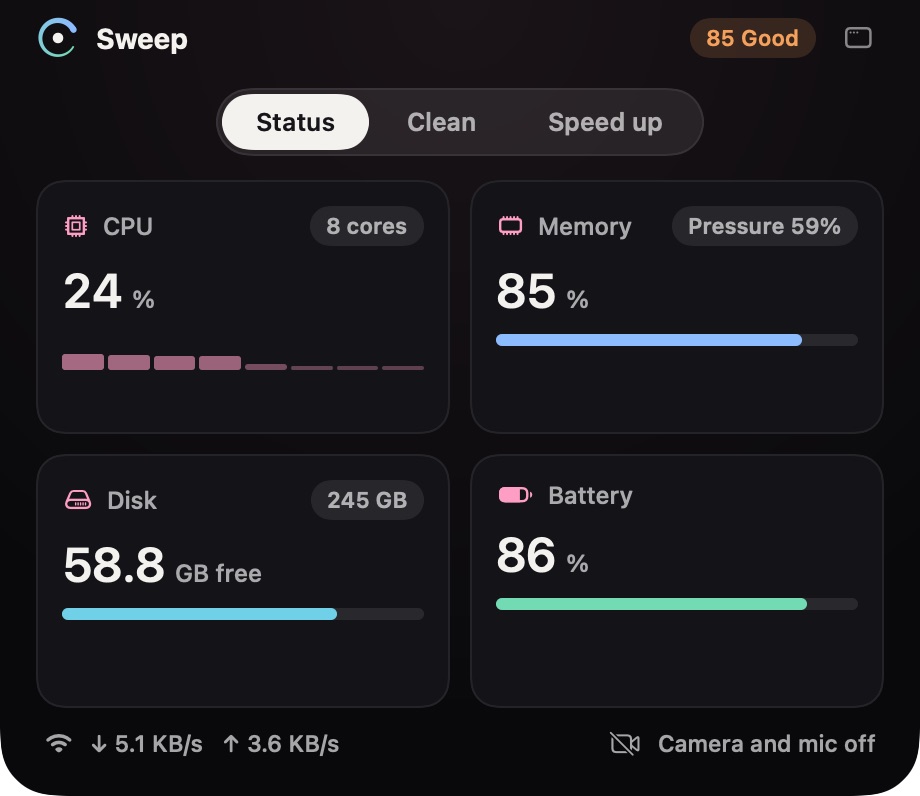
The menu bar panel shows your whole Mac
Health, CPU, GPU, memory, free space, battery and the top processes. Stay Awake and Wipe Mode sit one click away.
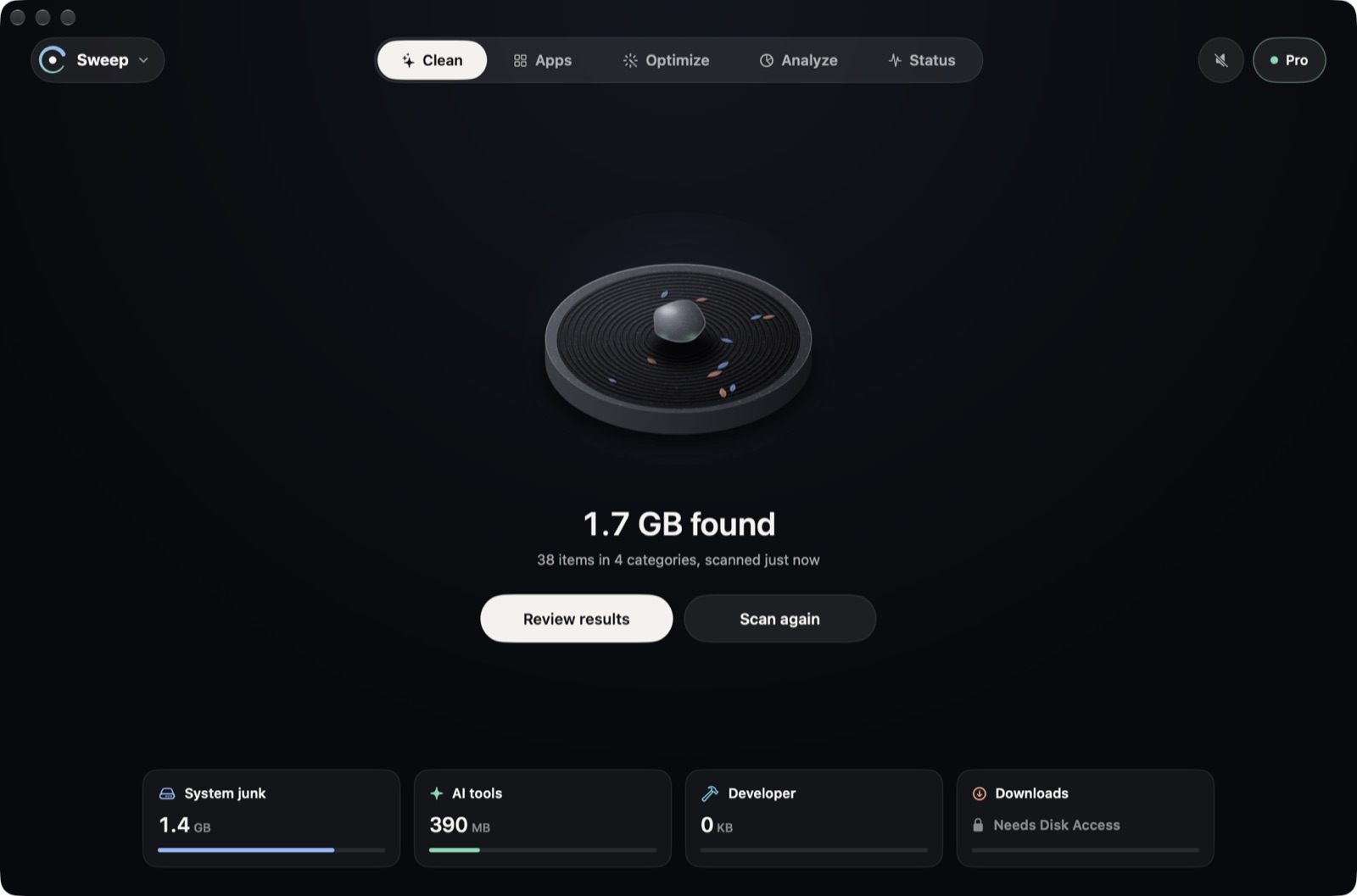
Sweep finds caches, AI tool leftovers and old installers, shows each one with its size and path, and removes only what you tick.
Caches, logs, Claude and Codex leftovers, node_modules and old installers land in one review list. Protect a row and Sweep never offers it again.
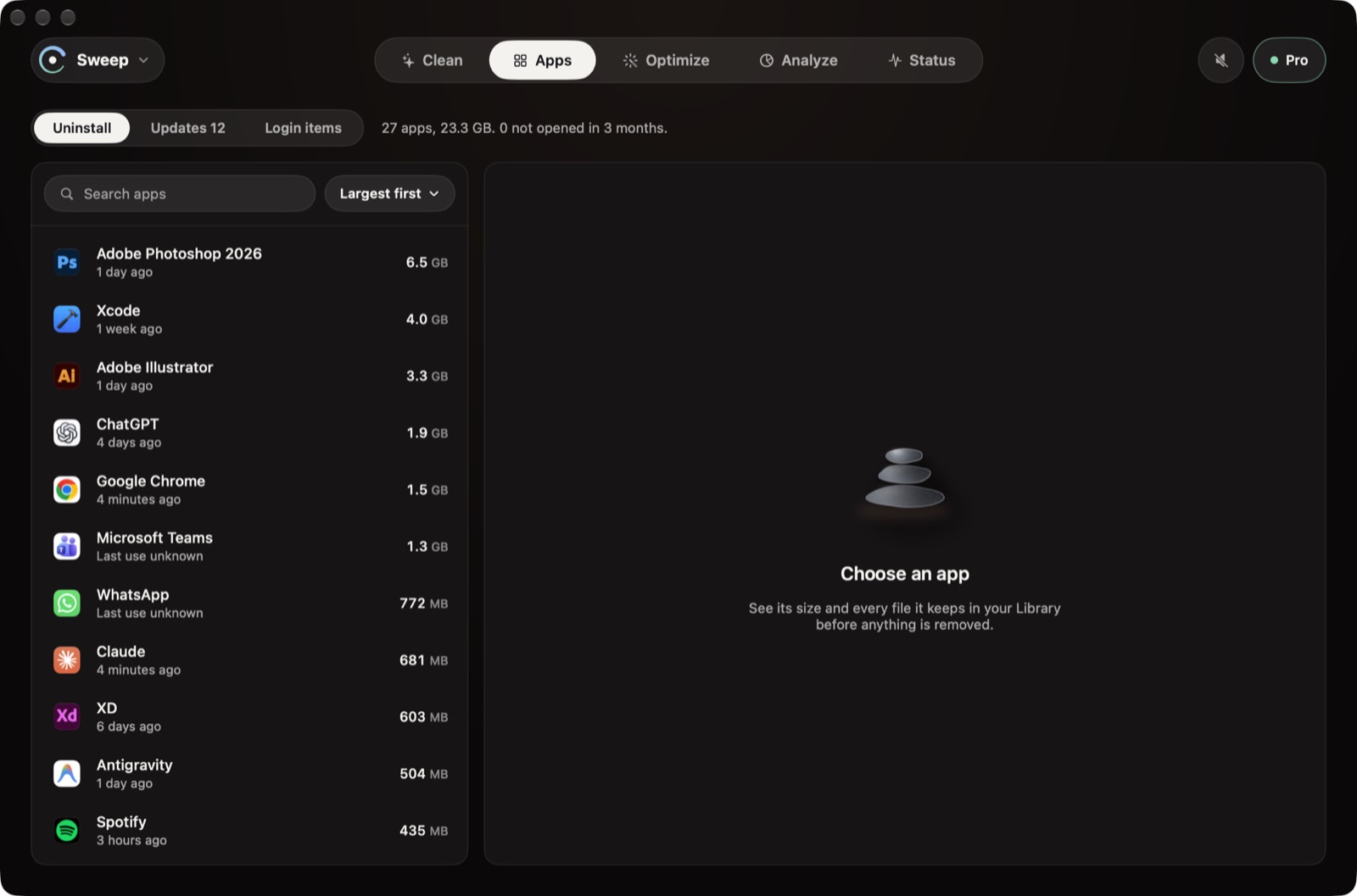
Remove an app with what it kept in your Library, update what Homebrew installed and switch off the login items you never asked for.
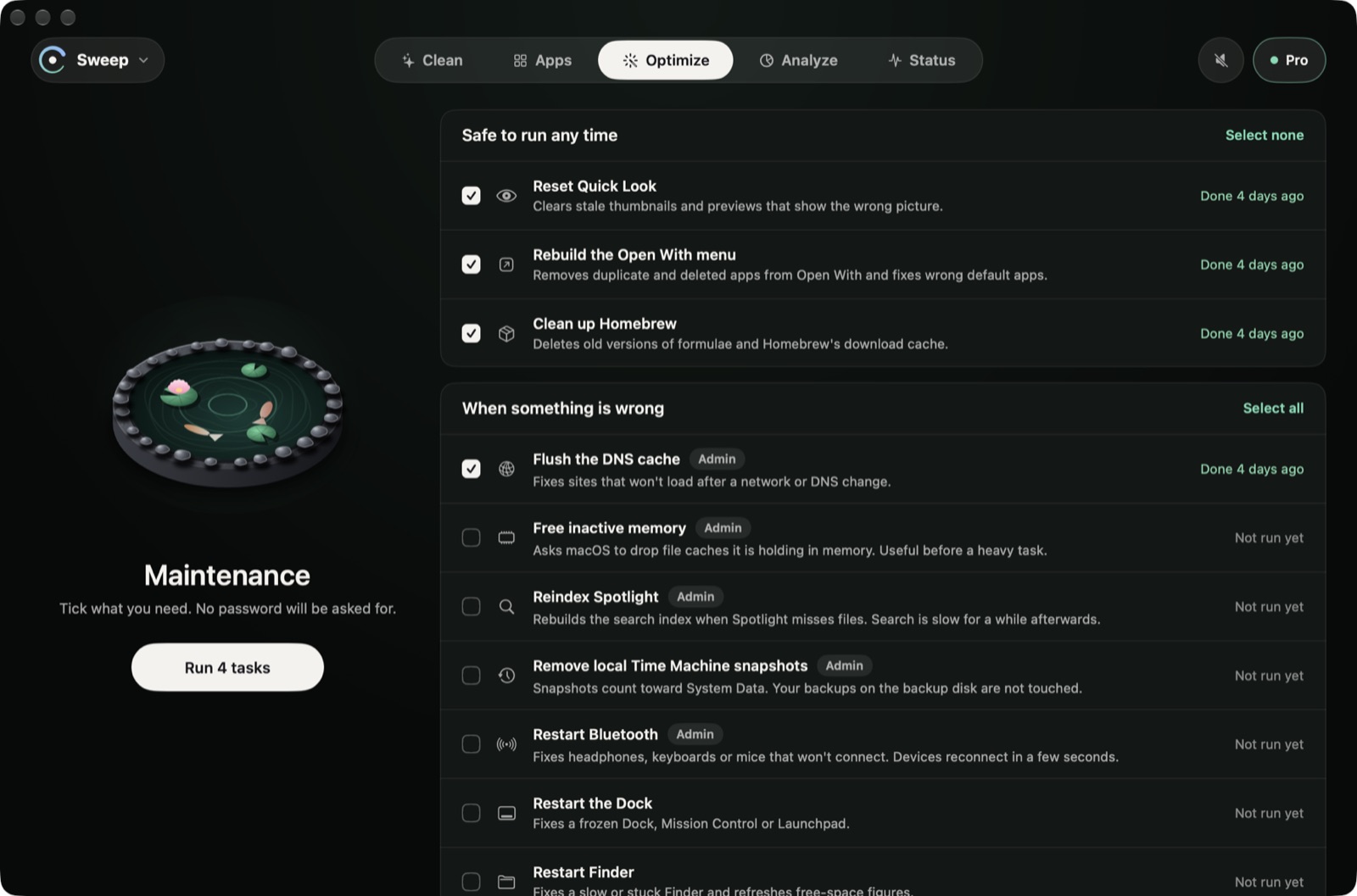
Reset Quick Look, flush DNS or reindex Spotlight together. Afterwards Sweep lists what ran and what it skipped.
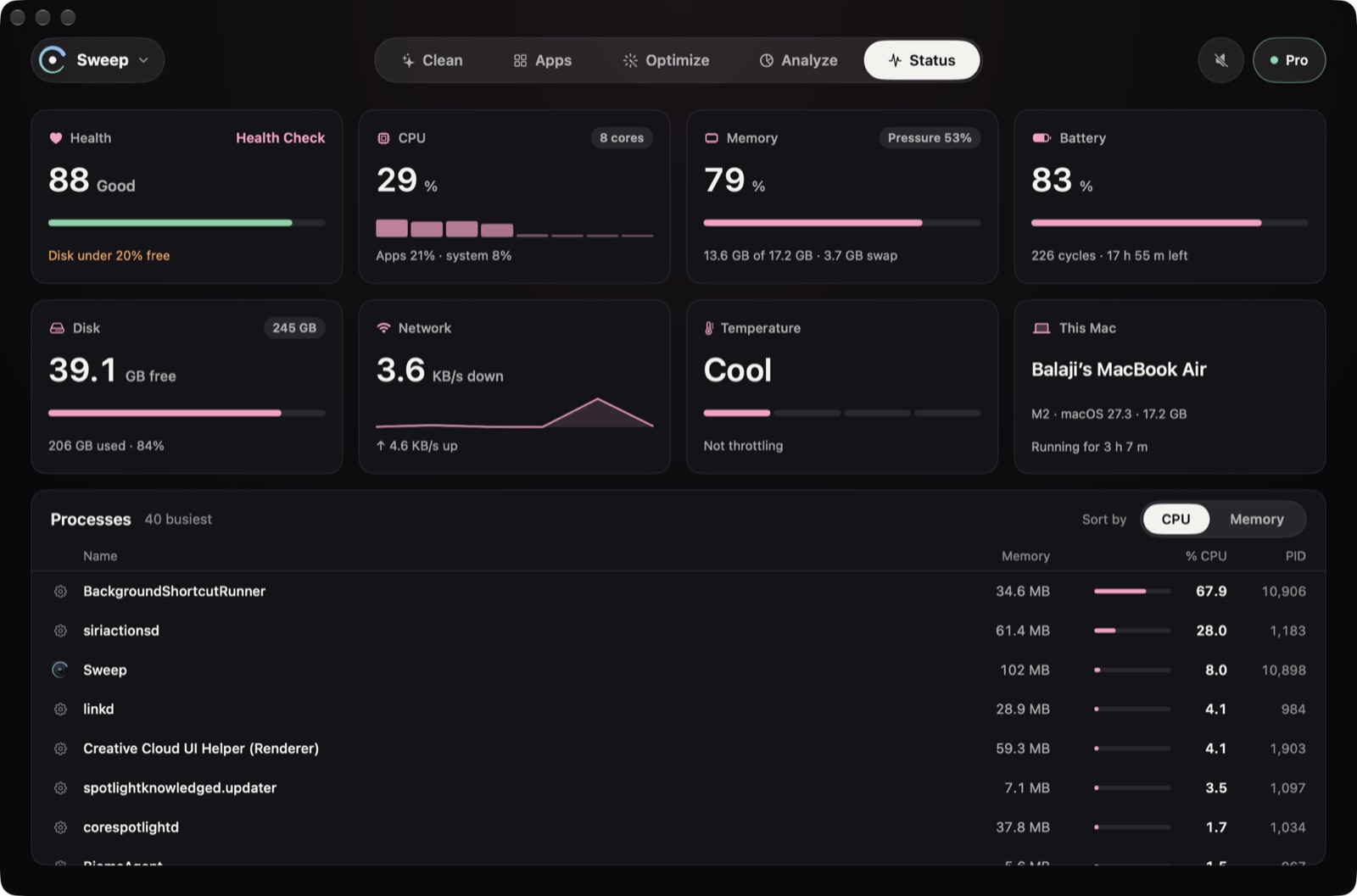
A health score, CPU per core, memory pressure, battery and disk, with the busiest processes to sort and quit.
Health, CPU, GPU, memory, free space, battery and the top processes. Stay Awake and Wipe Mode sit one click away.
Rest the pointer on the notch for Status, Clean and Speed up.
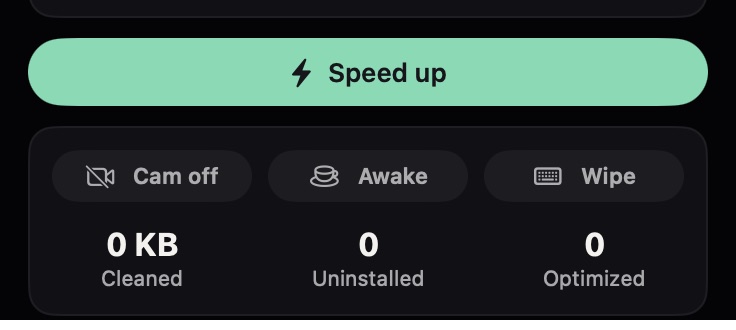
It closes apps left open with no windows, from the menu bar or a widget.
Space, memory, battery and startup items, each with a fix where one exists.
Bowls, wind and a low drone, made on your Mac with no audio files.
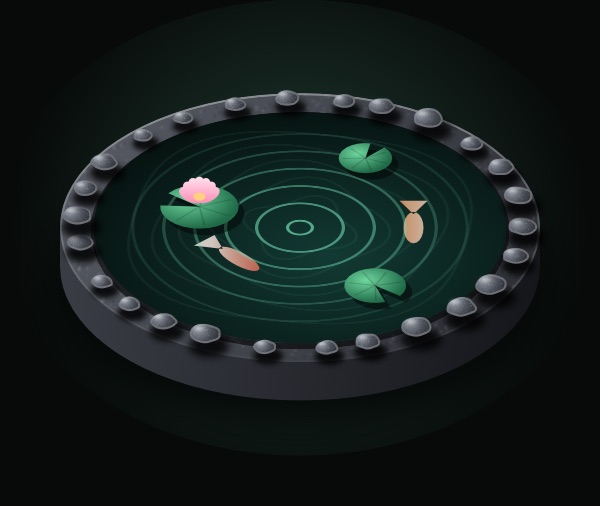
No account and no analytics. Scans, results and cleanup stay on the Mac.
Each scan rakes the sand, and leaves fall where junk was found.
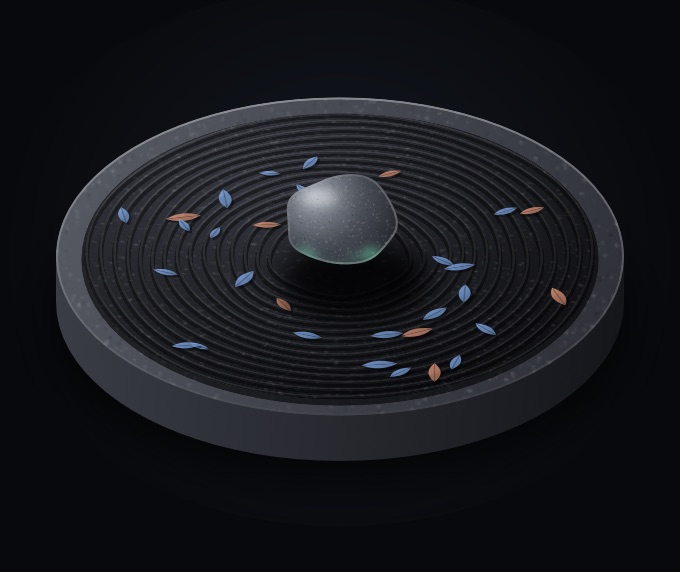
Caches, logs, AI tools, developer folders and Downloads.
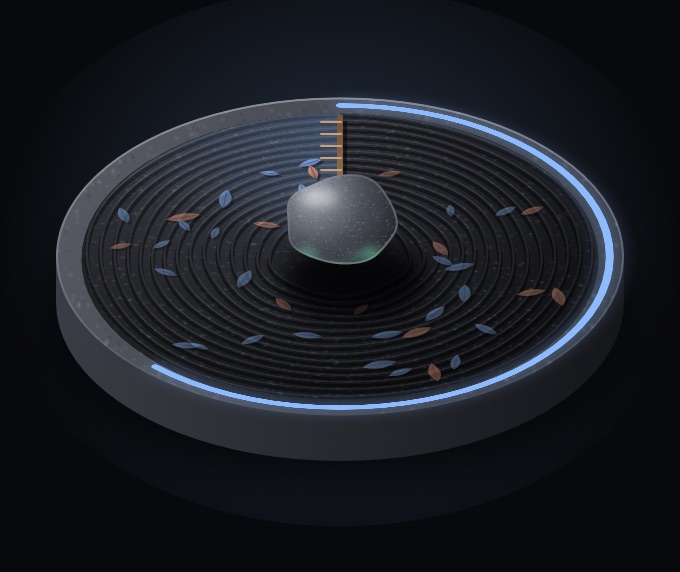
With its size and path. Untick a row, or protect it for good.
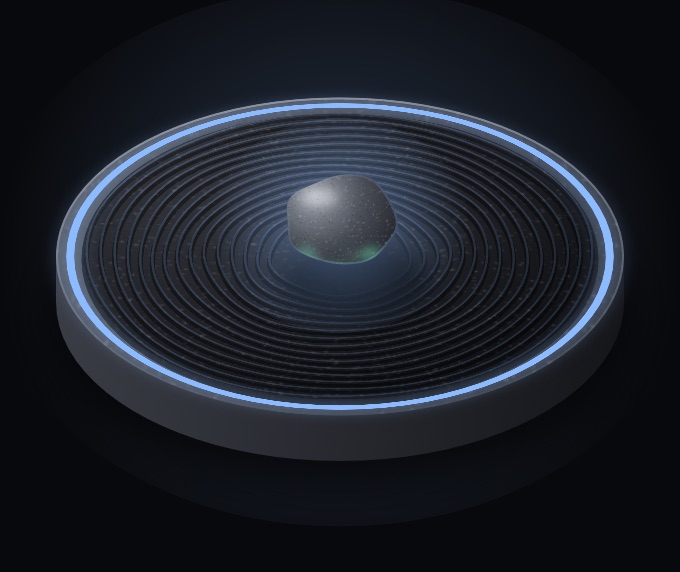
A singing bowl rings when it is done.
Both plans run on macOS 14 or later. Pro starts as a free week.
For keeping a Mac tidy
$0
For Macs full of apps, AI tools and projects
$14.99once, two Macs
Welcome to SweepTwo one-time steps
Allow Full Disk AccessTurn on Sweep in the listOpen Settings
Approve admin tasksYour password, onceSet up
Caches and logs that apps rebuild, plus the items you tick. Old AI sessions go to the Trash.
No. Activating Pro sends only your licence key to the store.
It lets Sweep measure Library and Downloads in one pass.
Sweep moves to Free. Scanning, Status and Analyze keep working.
Two, for as long as you own them, with every update.
Write to us within 14 days of buying for a full refund.
macOS 14 Sonoma or later.
Yes, with the note button. It only plays while Sweep is in front.